 MoneyOS
Blog
Launch notes and guides for keeping your money private.
Guide · 5 November 2026
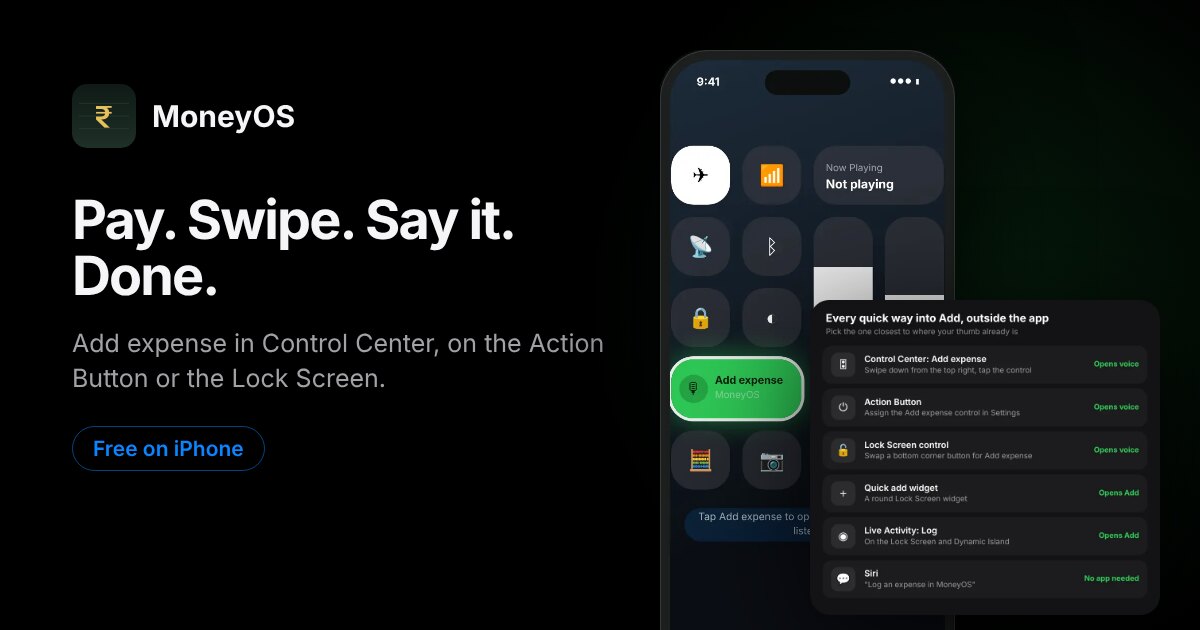
Add an expense from Control Center, in one tap
Put Add expense in Control Center, on the Action Button or on the Lock Screen, and log a spend the moment you pay.
Read the guide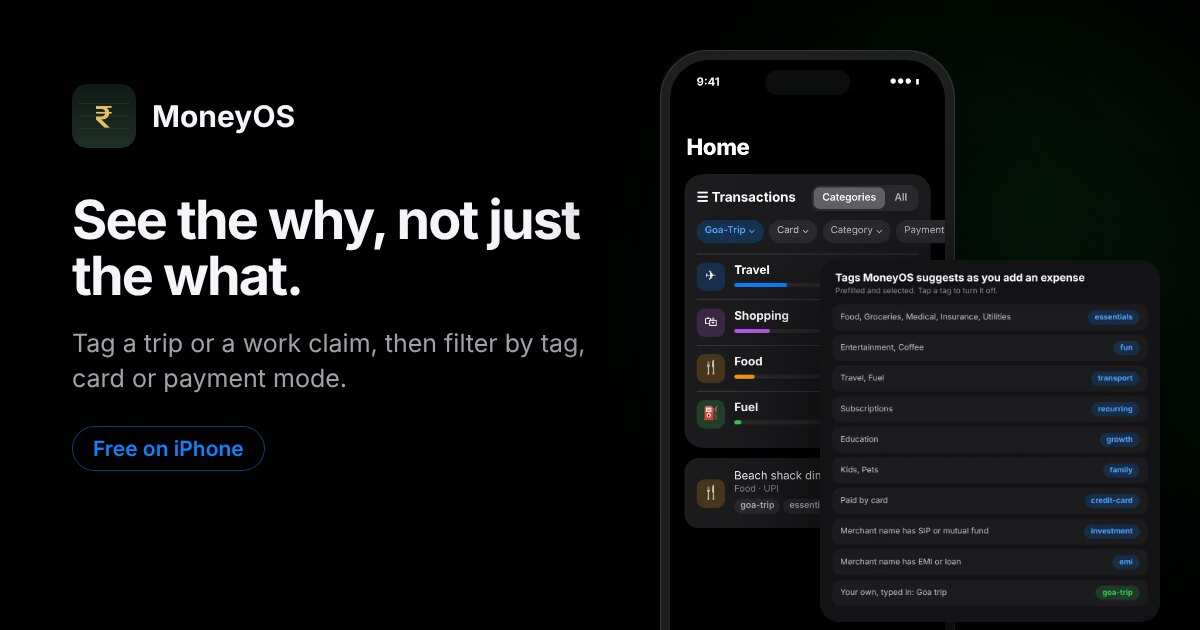
Guide · 4 November 2026
Use tags to see spending that categories hide
Tag a trip, a wedding or a work claim, then filter Home by that tag to see every category it touched.
Read the guide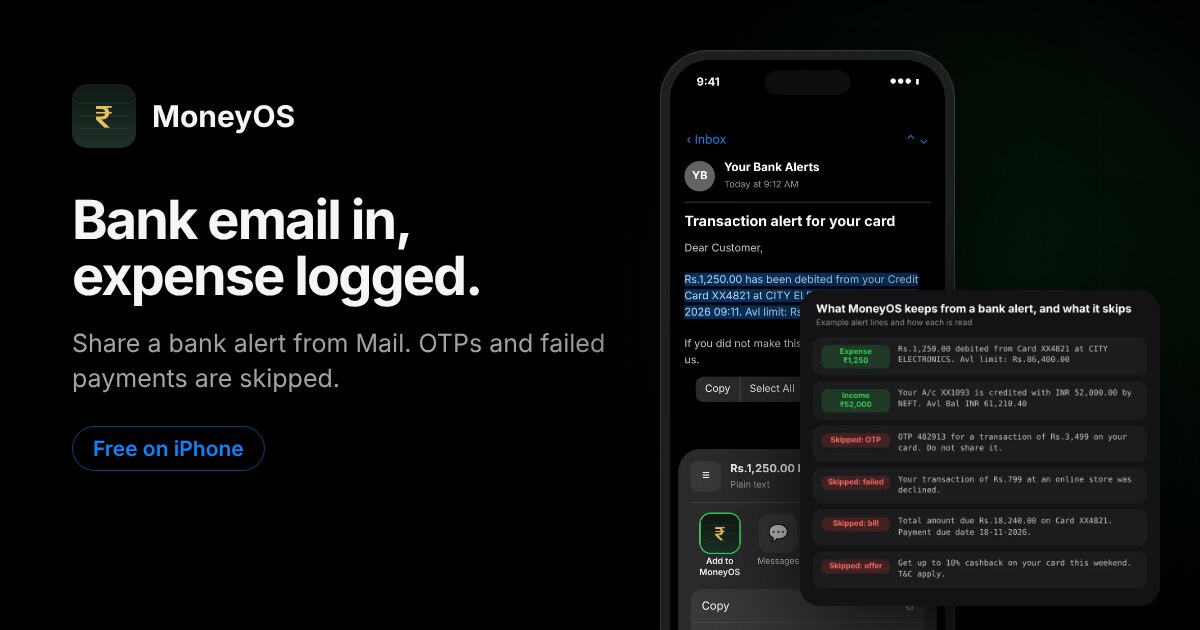
Guide · 3 November 2026
Add an expense from a bank email, in two taps
Select the alert in Mail, tap Share, choose Add to MoneyOS, then check the row and import it. Nothing is saved until you confirm.
Read the guide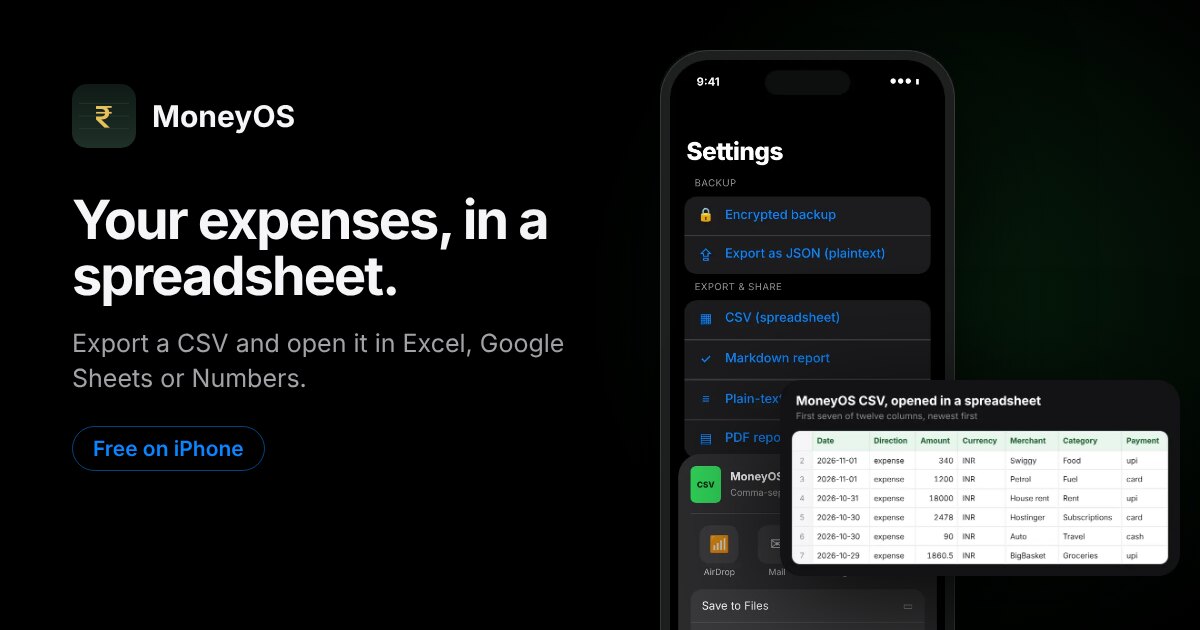
Guide · 2 November 2026
Export your expenses to Excel or Google Sheets
Export your ledger as a CSV in two taps, open it in Excel, Google Sheets or Numbers, and total it any way you like.
Read the guide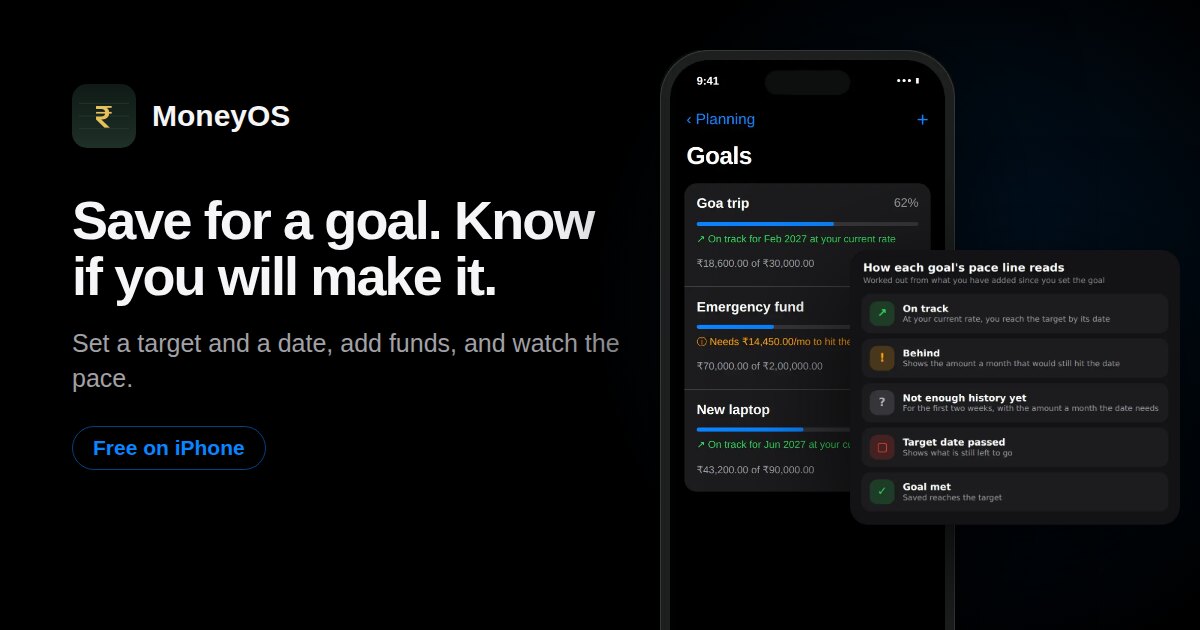
Guide · 1 November 2026
A simple savings goal tracker: know if you will make it
Set a target and a date, add funds as you save, and see whether you are on track or what each month now needs.
Read the guide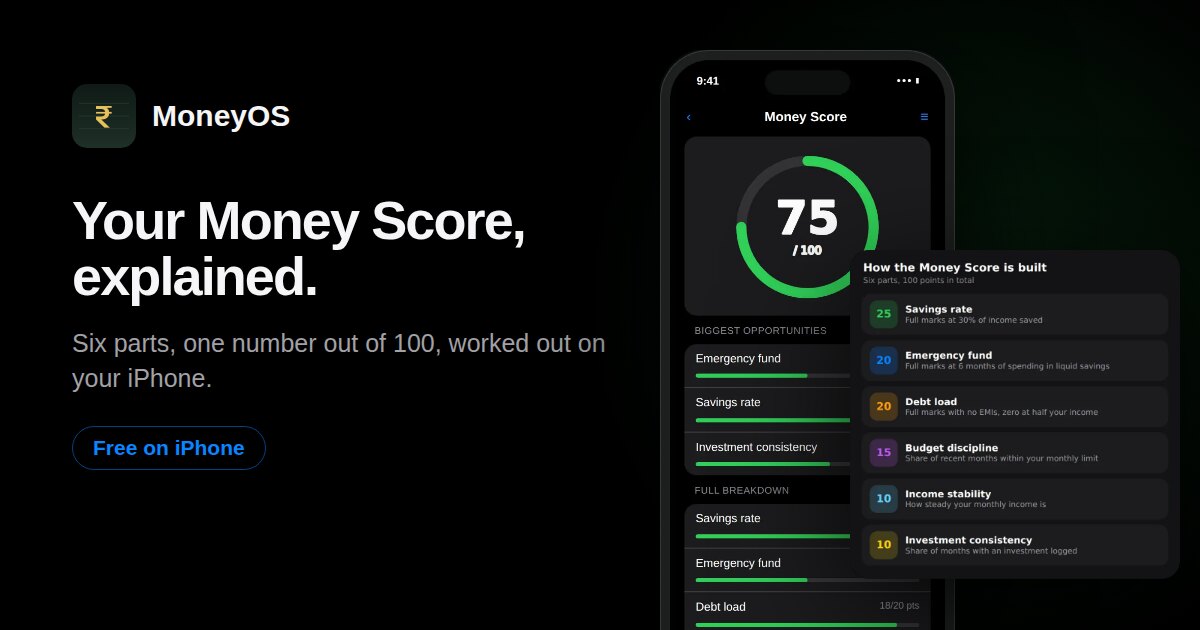
Guide · 31 October 2026
Your Money Score: what it means and how it is worked out
The six parts behind the Money Score, how each earns its points, and why the number comes from a fixed formula on your iPhone.
Read the guide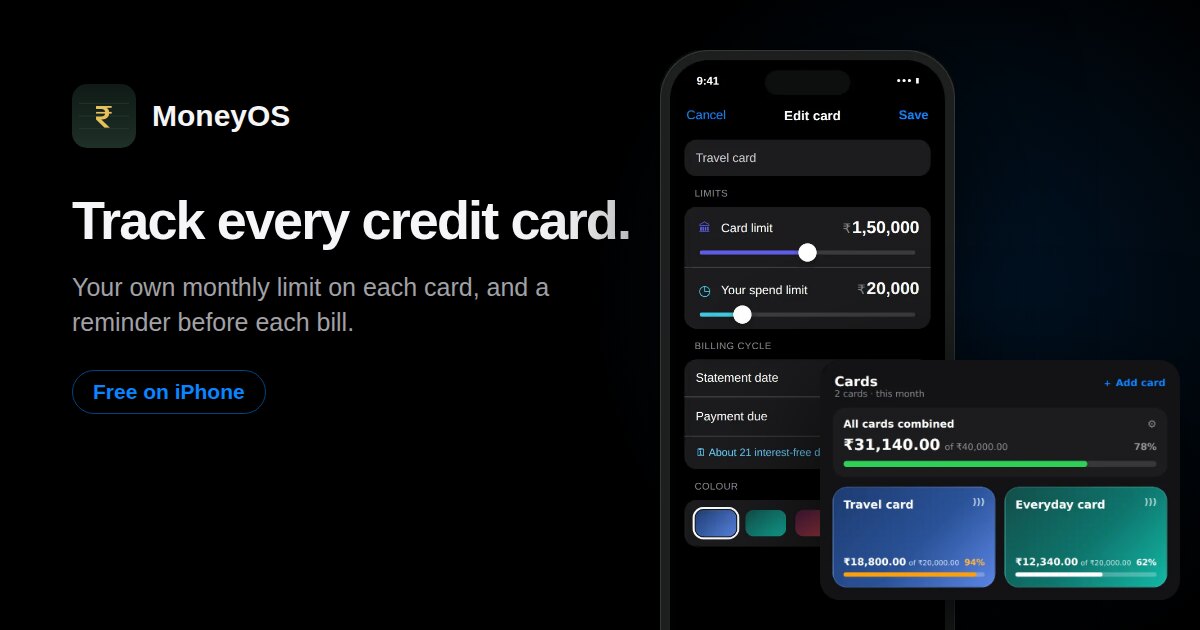
Guide · 30 October 2026
Track spending on each credit card, month by month
Your own monthly limit on each card, all cards combined in one bar, and a reminder before each bill is due.
Read the guide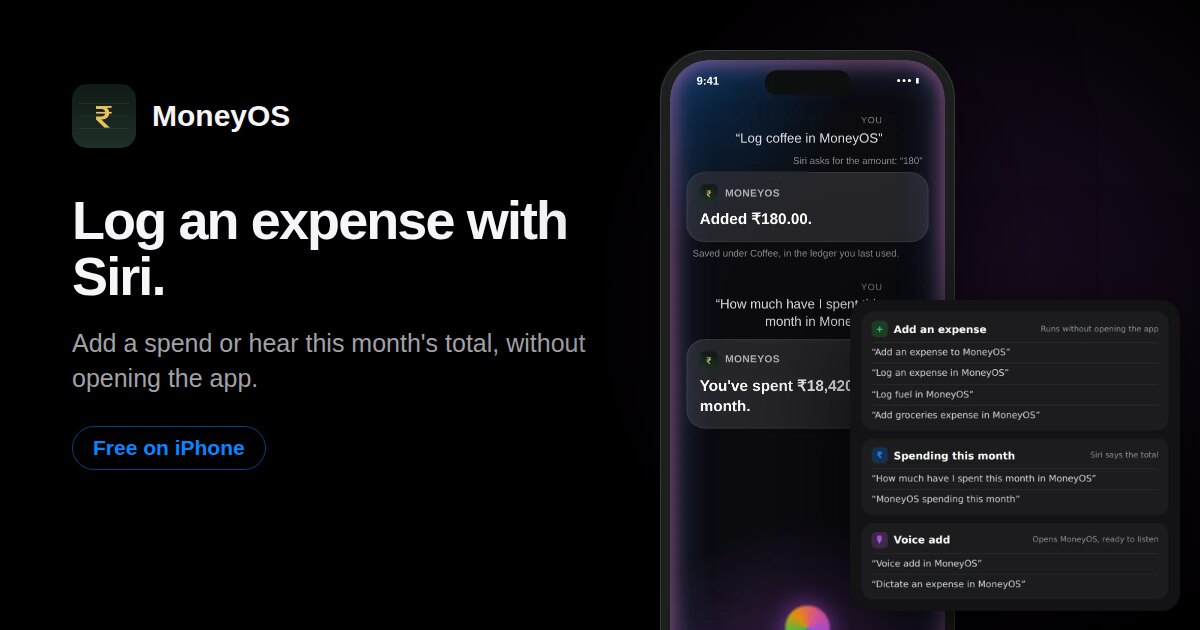
Guide · 29 October 2026
Log an expense with Siri, without opening the app
Say it, and it is saved. The Siri phrases MoneyOS understands, how categories work, and how to hear this month's total.
Read the guide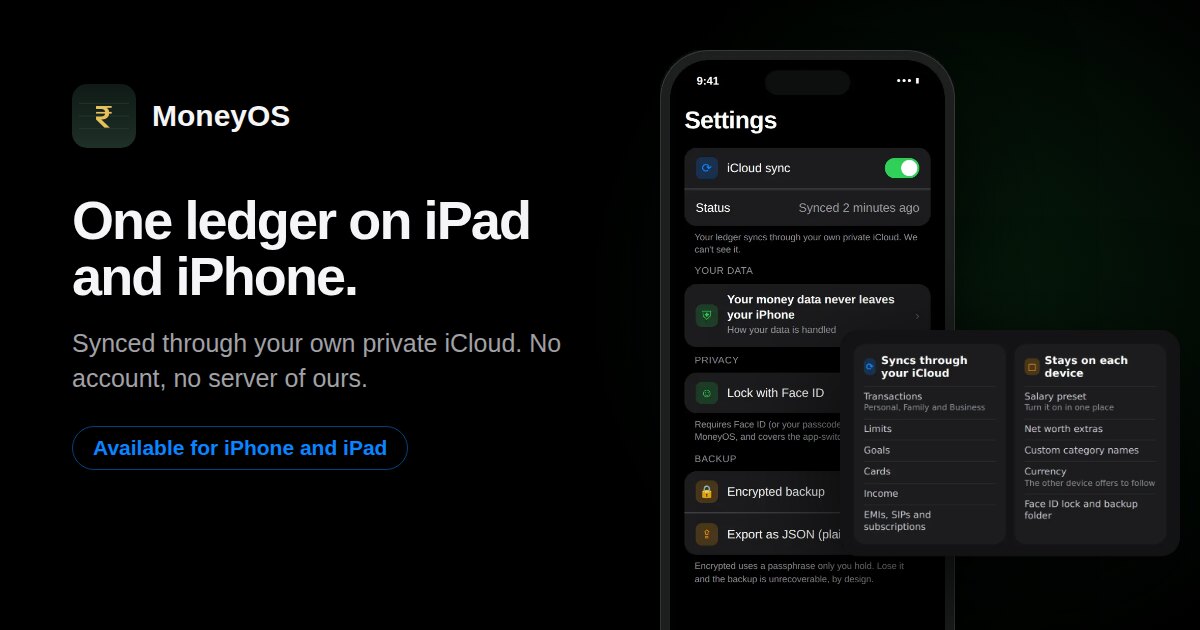
Guide · 27 October 2026
Track expenses on iPad and iPhone together, privately
One ledger on iPad and iPhone, synced through your own private iCloud. What syncs, what stays on each device, and how to set it up.
Read the guide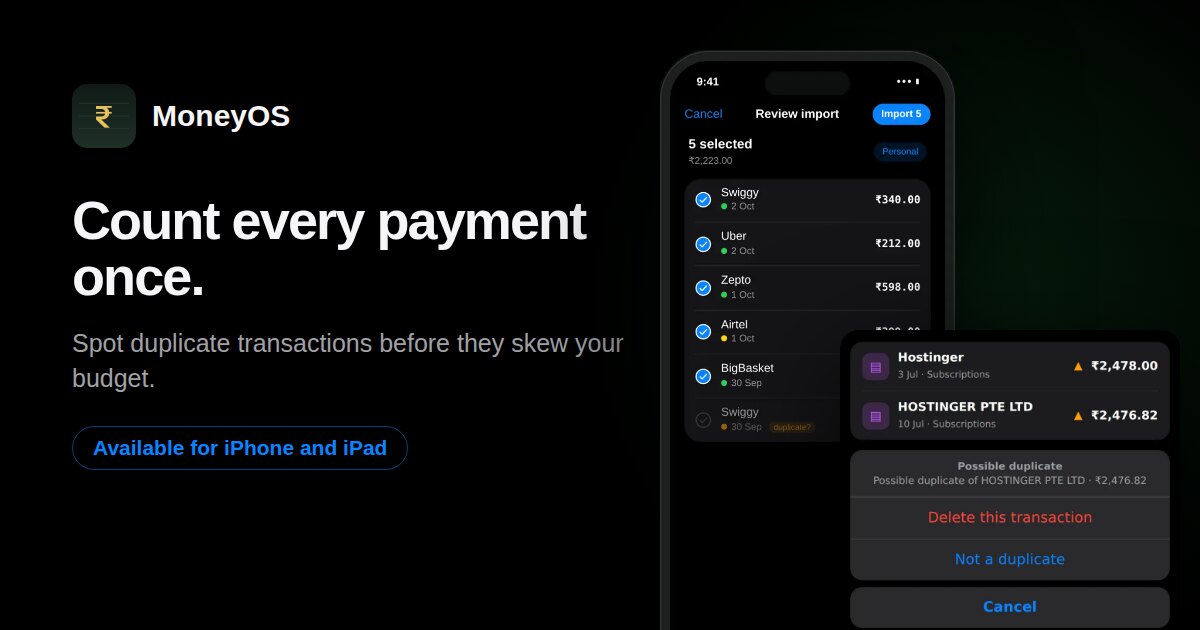
Guide · 26 October 2026
Duplicate transactions: spot them before they skew your budget
How duplicates creep in, what they do to your totals, and how MoneyOS flags likely repeats before and after you import.
Read the guide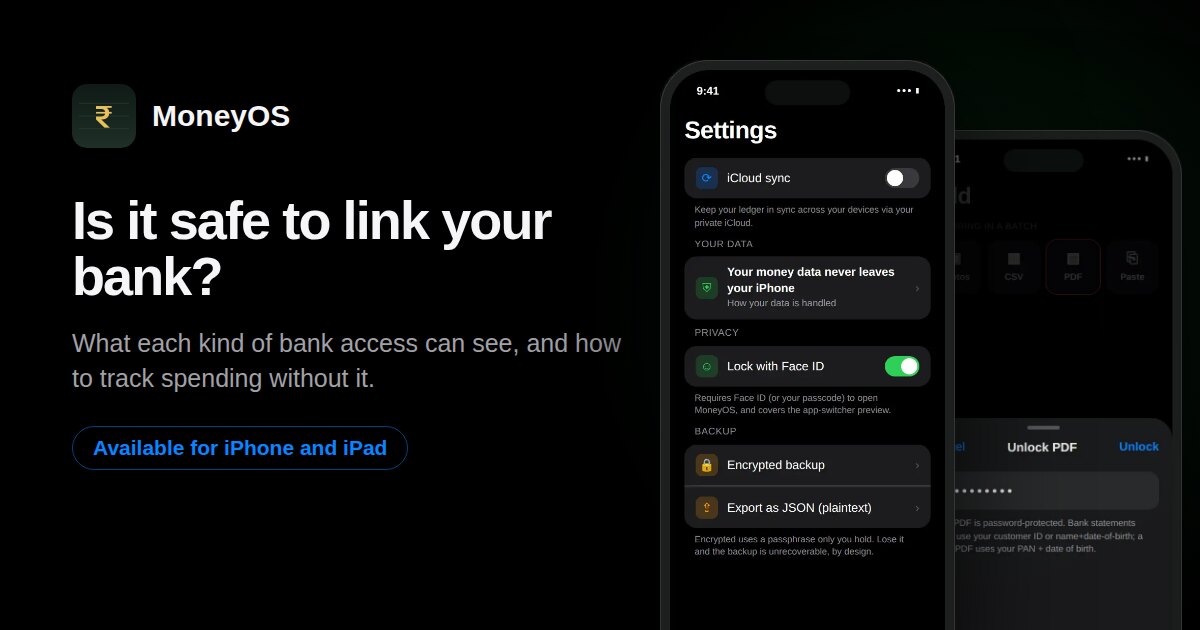
Guide · 25 October 2026
Is it safe to link your bank account to a money app?
What each kind of bank access can see, what you should never share, and how to track your spending without linking your bank at all.
Read the guide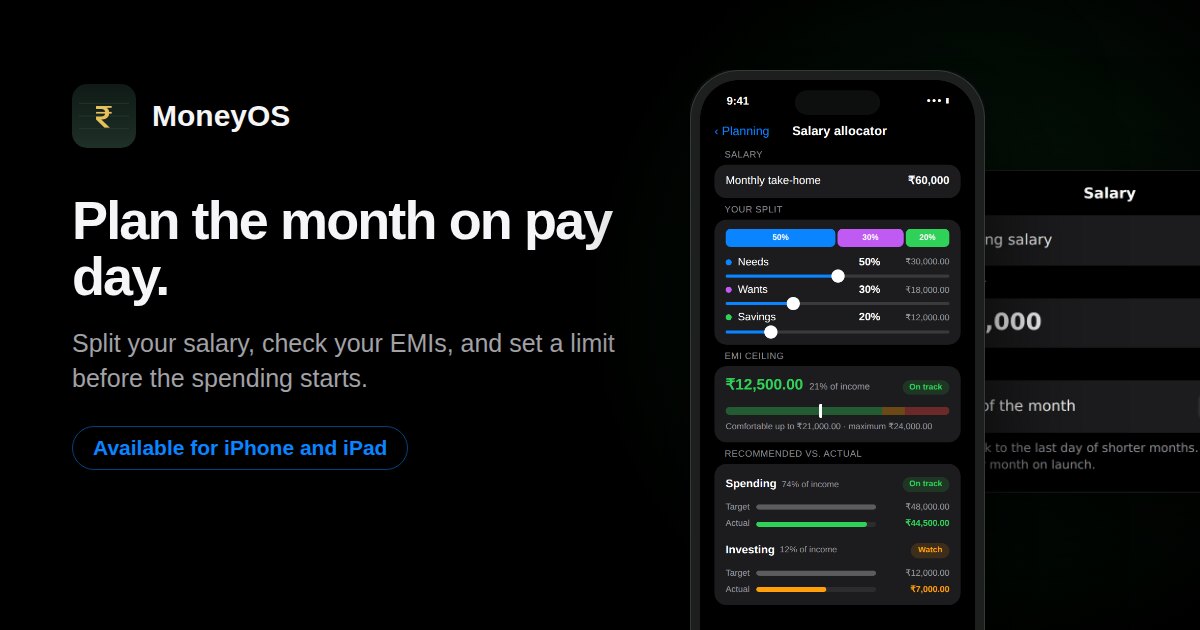
Guide · 24 October 2026
Salary budget plan: plan the month before it starts
Split your take-home into needs, wants and savings, check your EMI load, and turn it into a monthly limit, all on salary day.
Read the guide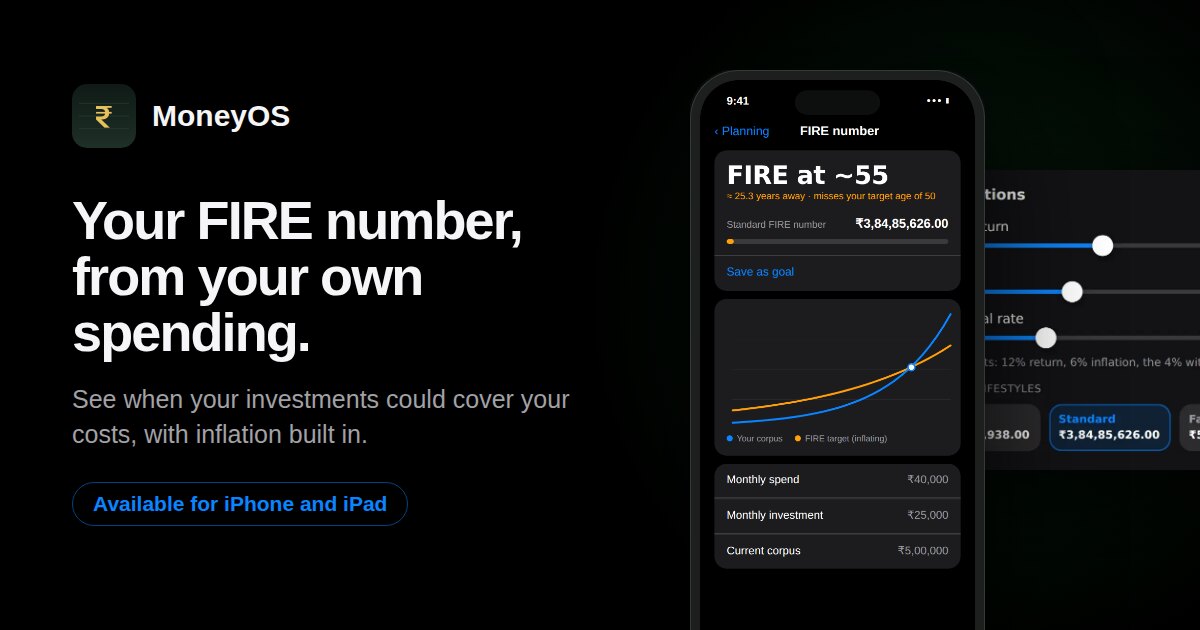
Guide · 23 October 2026
What is FIRE, and how do you estimate your number?
What a FIRE number means, why inflation makes it bigger than you expect, and how to estimate yours from your own spending.
Read the guide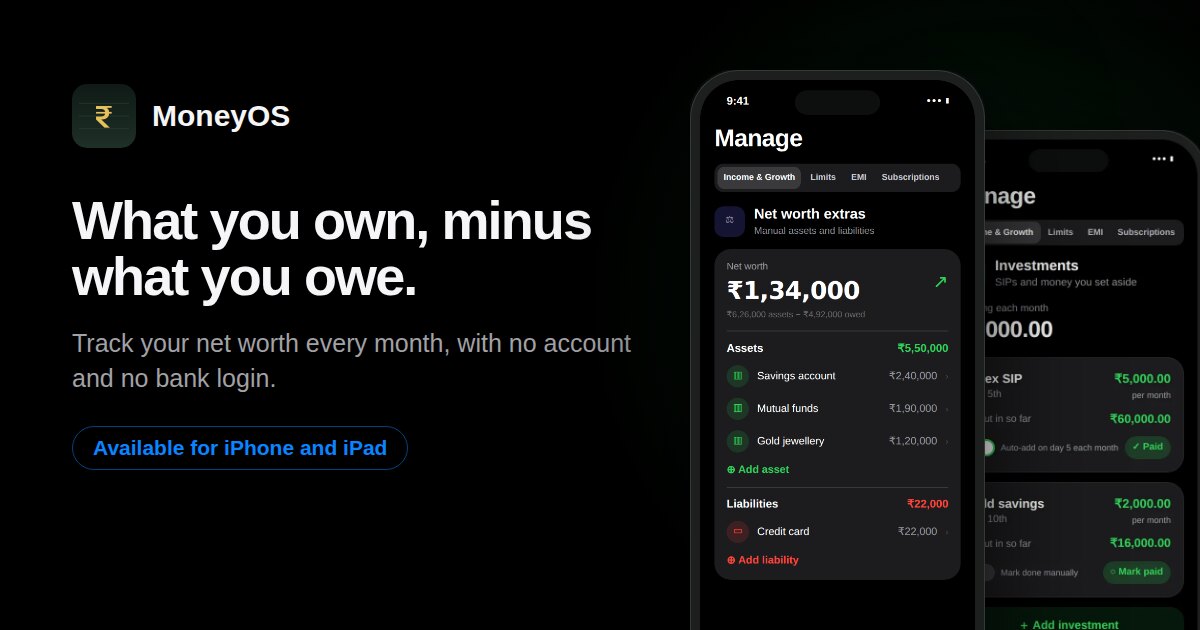
Guide · 22 October 2026
How to track your net worth: a beginner's guide
What you own minus what you owe. How to list your assets and loans, work out your net worth, and watch it move month by month.
Read the guide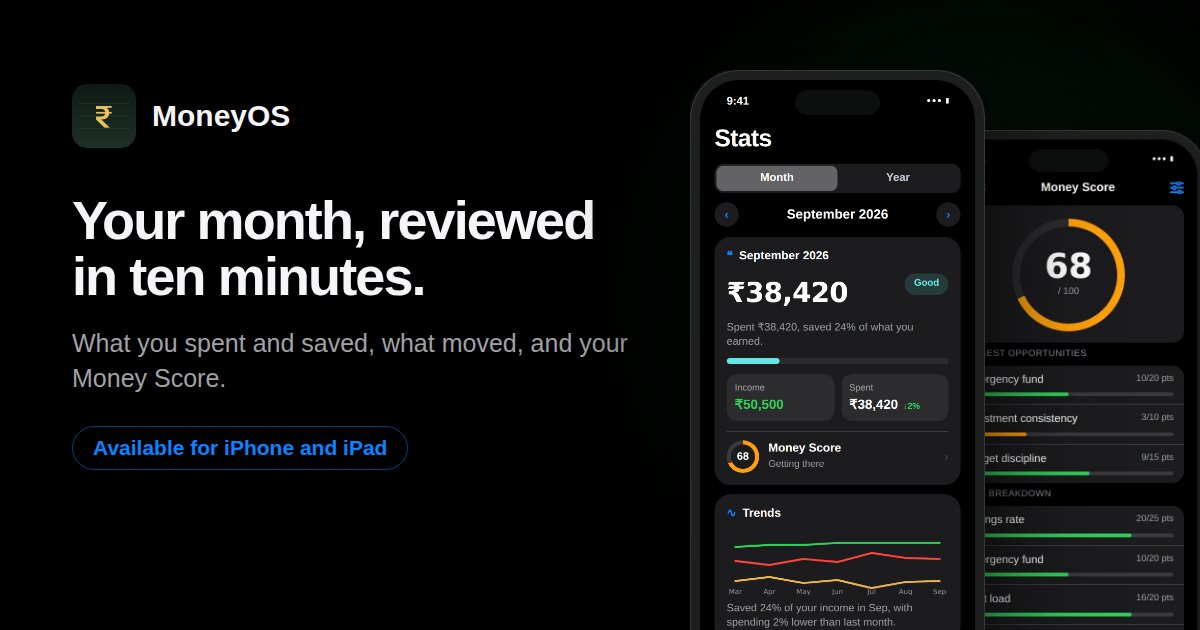
Guide · 21 October 2026
Monthly budget review: a 10-minute routine on iPhone
What you spent and saved, which categories moved, and your Money Score. A five-step monthly review, and what to change for the month ahead.
Read the guide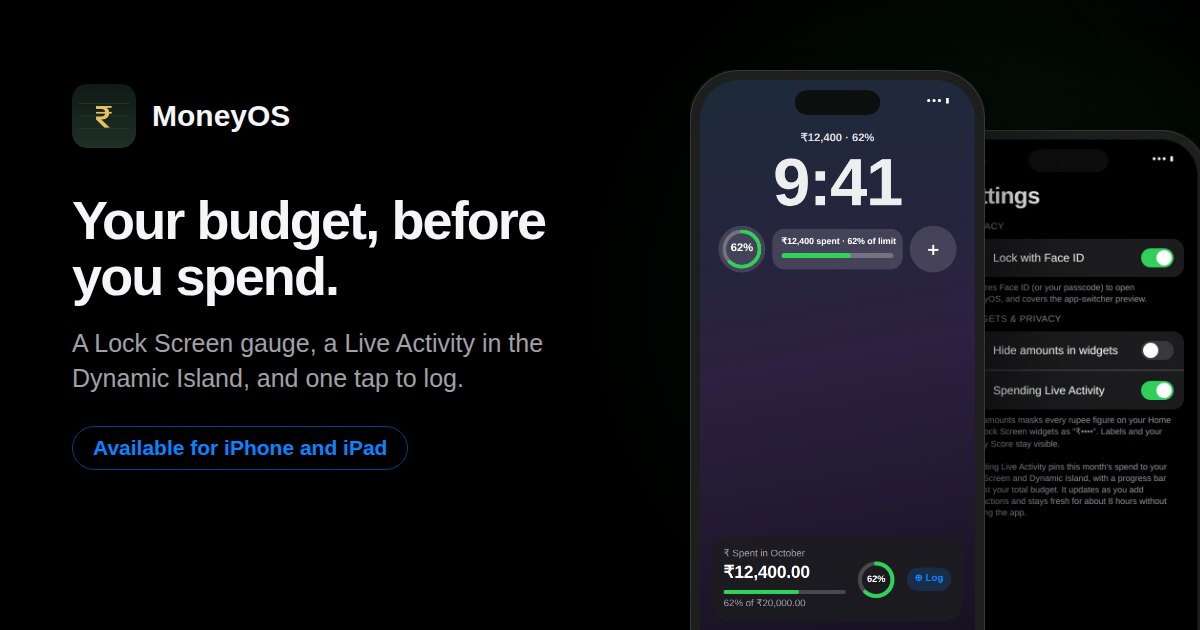
Guide · 20 October 2026
See your monthly budget on your iPhone Lock Screen
A Lock Screen gauge that fills as you spend, a Live Activity in the Dynamic Island, and a one-tap add button. How to set up MoneyOS widgets.
Read the guide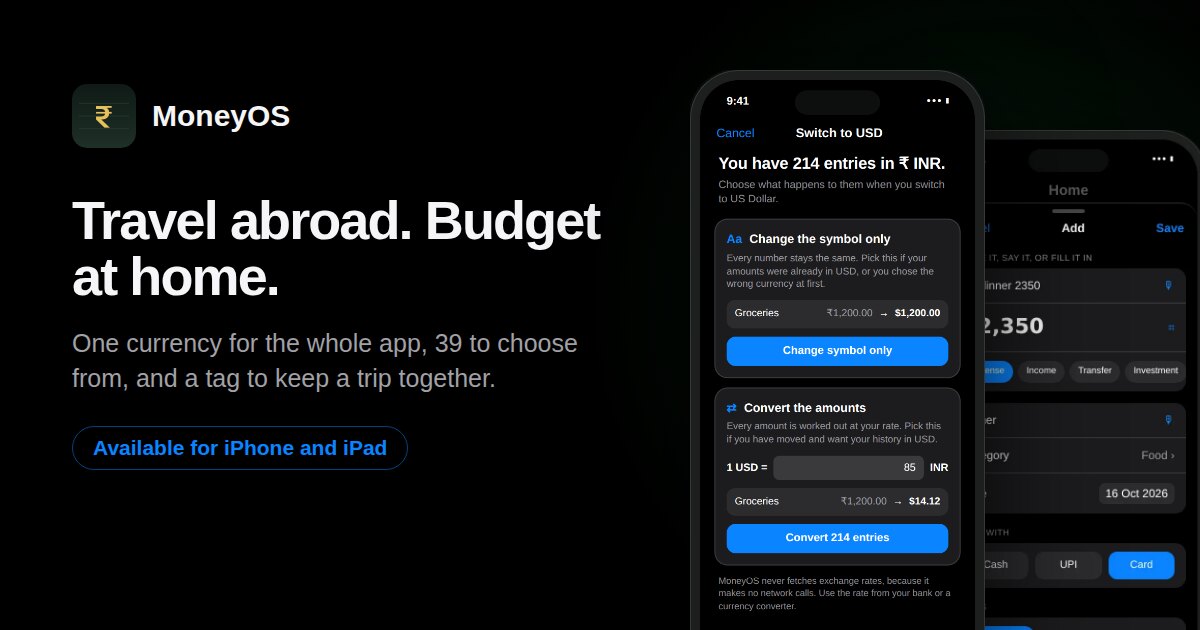
Guide · 19 October 2026
Tracking expenses in another currency when you travel
One currency for the whole app, 39 to choose from. How to log a trip abroad in rupees, keep it together with a tag, and switch currency if you move.
Read the guide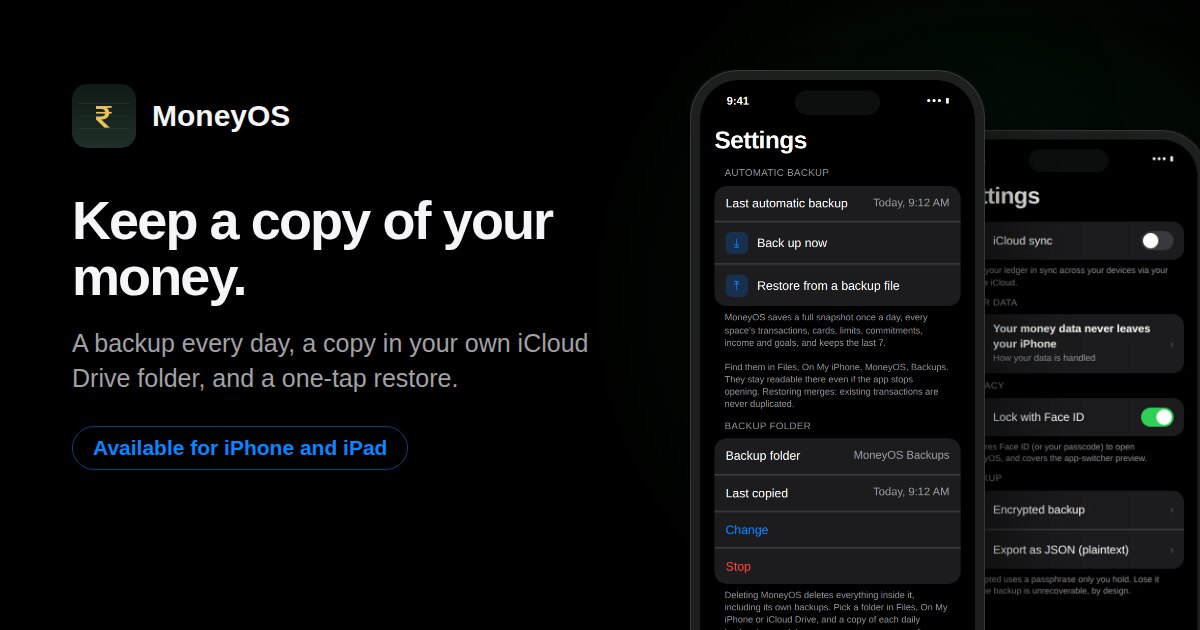
Guide · 18 October 2026
How to back up your expense data on iPhone
A daily backup, a copy in your own iCloud Drive folder, and a one-tap restore. How to keep your spending history safe on iPhone.
Read the guide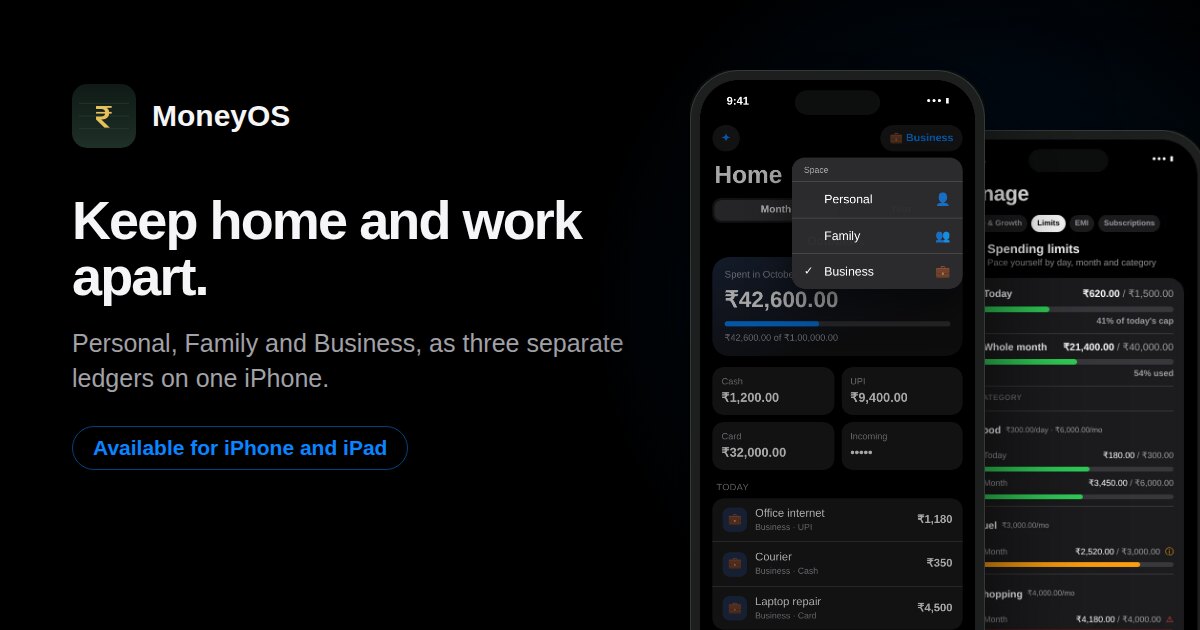
Guide · 17 October 2026
How to separate personal and business expenses on one iPhone
Personal, Family and Business, as three separate ledgers on one iPhone. How to switch between them and keep each one clean.
Read the guide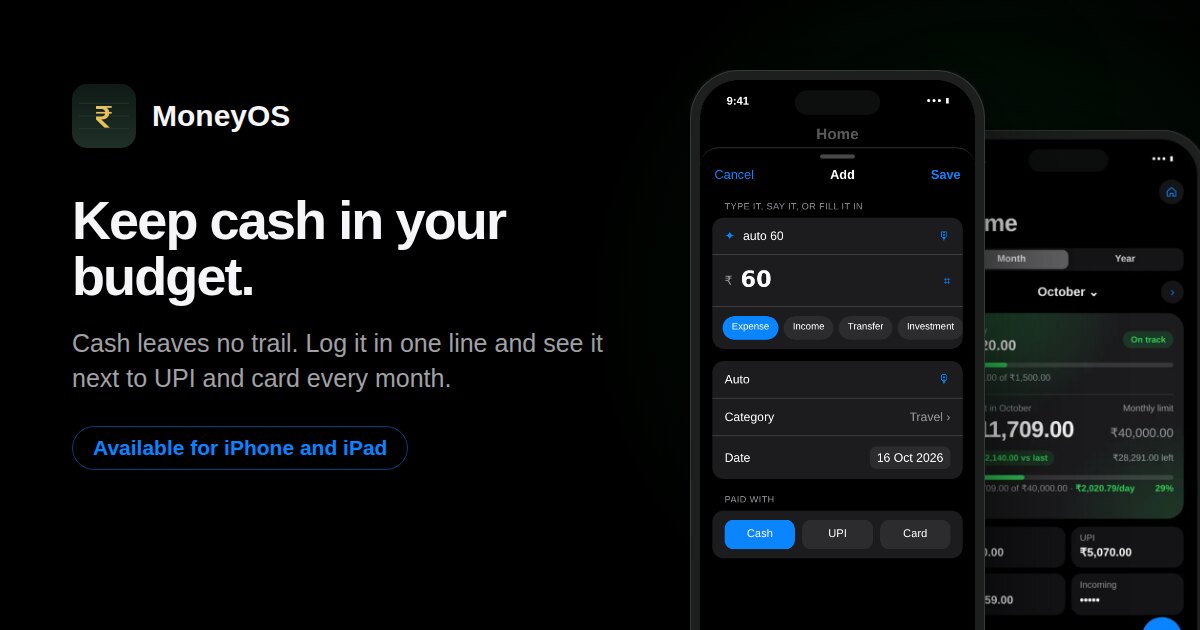
Guide · 16 October 2026
How to track cash expenses when everything else is UPI
Cash leaves no trail, so it slips out of your budget. How to log it in seconds and see it next to UPI and card each month.
Read the guide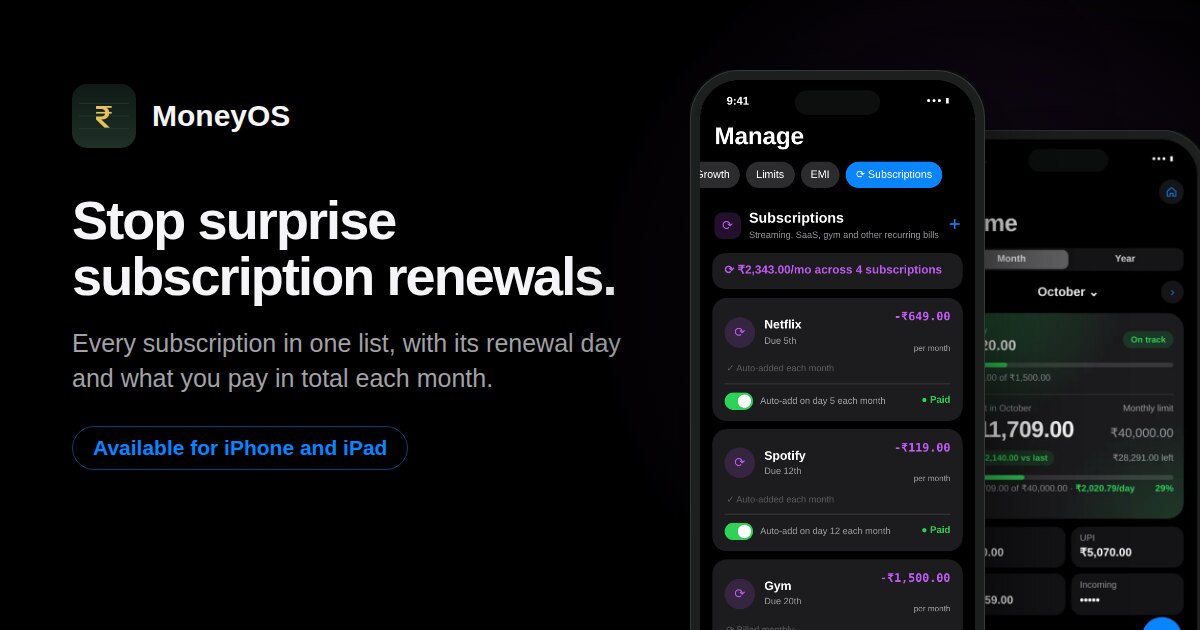
Guide · 15 October 2026
How to stop surprise subscription renewals
Every subscription in one list, with its renewal day and a monthly total. How to find them, track them and cancel the ones you no longer use.
Read the guide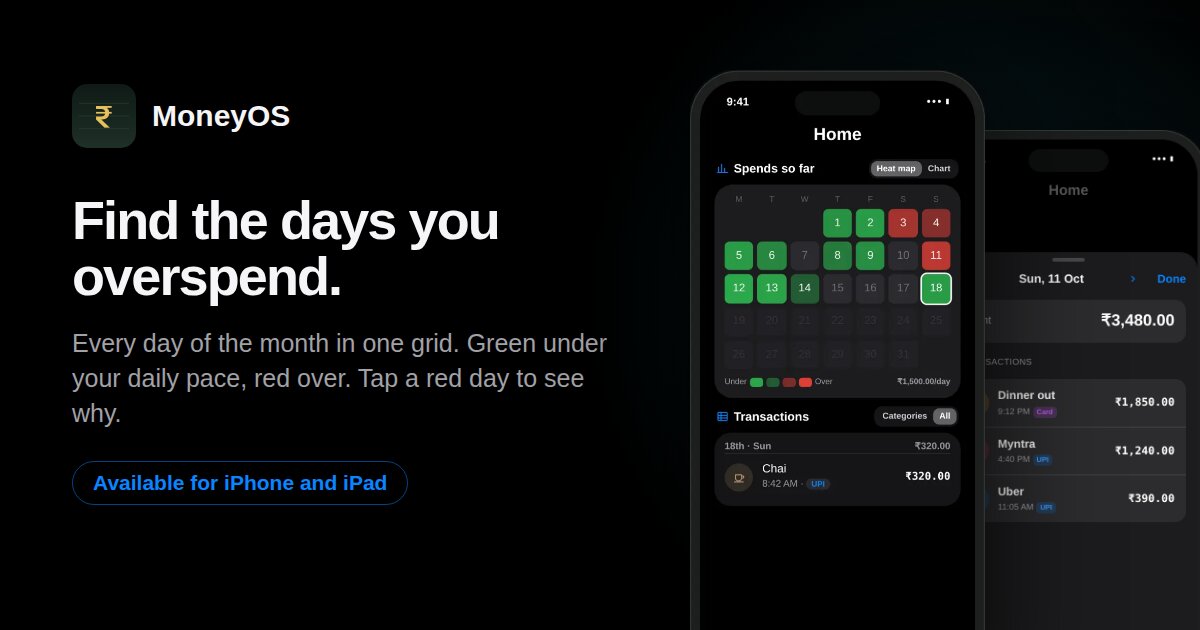
Guide · 14 October 2026
A spending heat map: find the days you overspend
Every day of the month in one grid, green under your daily pace and red over. Tap a red day to see where the money went.
Read the guide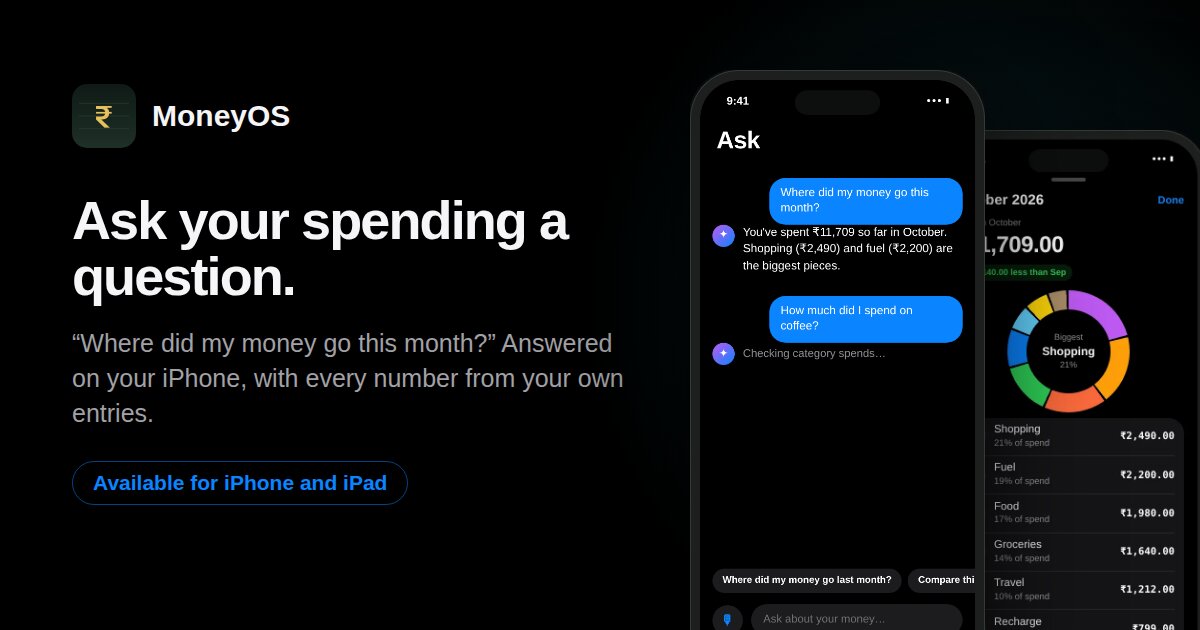
Guide · 13 October 2026
Ask your spending a question with on-device AI
Ask where your money went and get a plain answer on your iPhone. Your ledger does the maths, and nothing leaves the phone.
Read the guide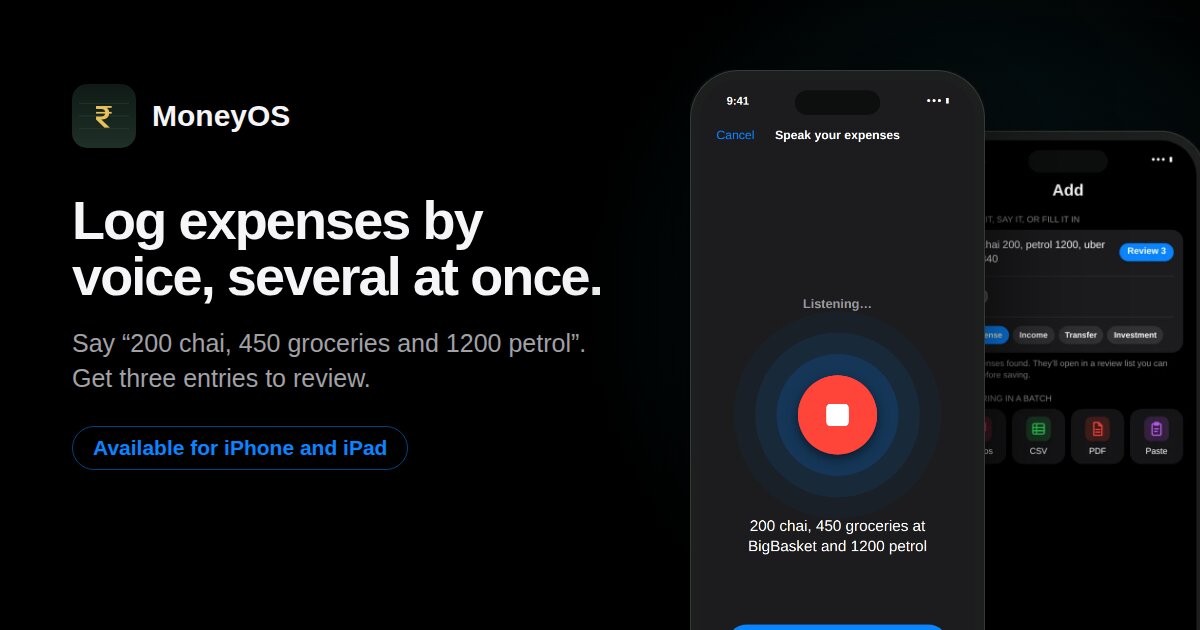
Guide · 12 October 2026
How to log expenses by voice, several at once
Say a whole day of spends in one sentence and get one entry for each, ready to check before saving.
Read the guide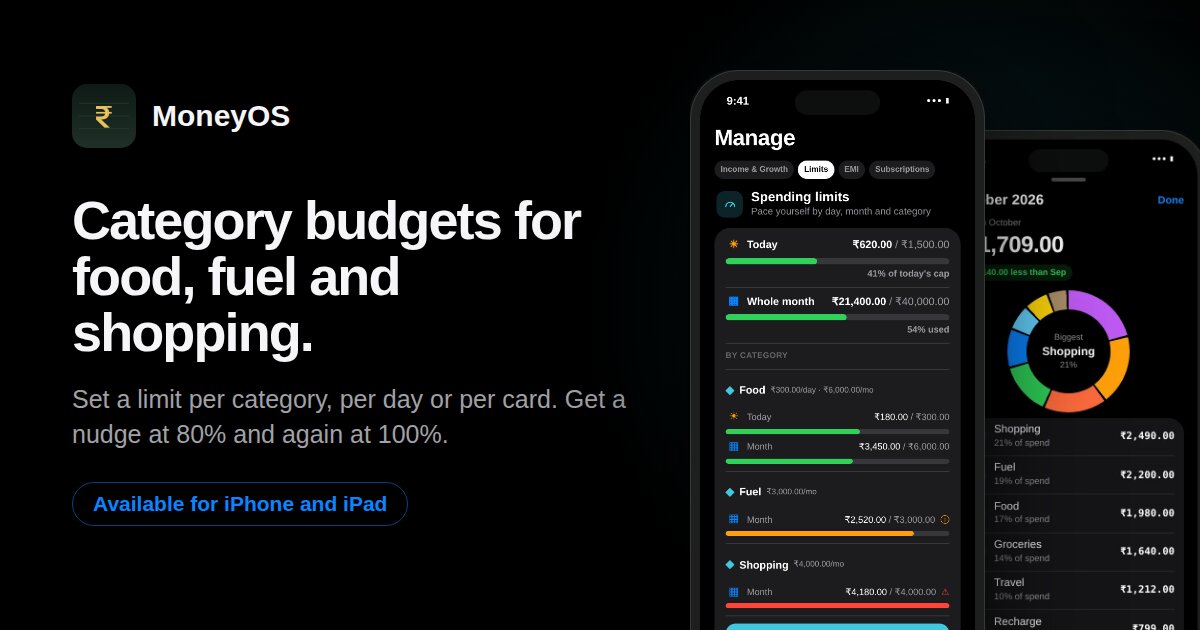
Guide · 11 October 2026
How to set category budgets for food, fuel and shopping
Give food, fuel and shopping their own limits, by month or by day, and get a nudge at 80% and again at 100%.
Read the guide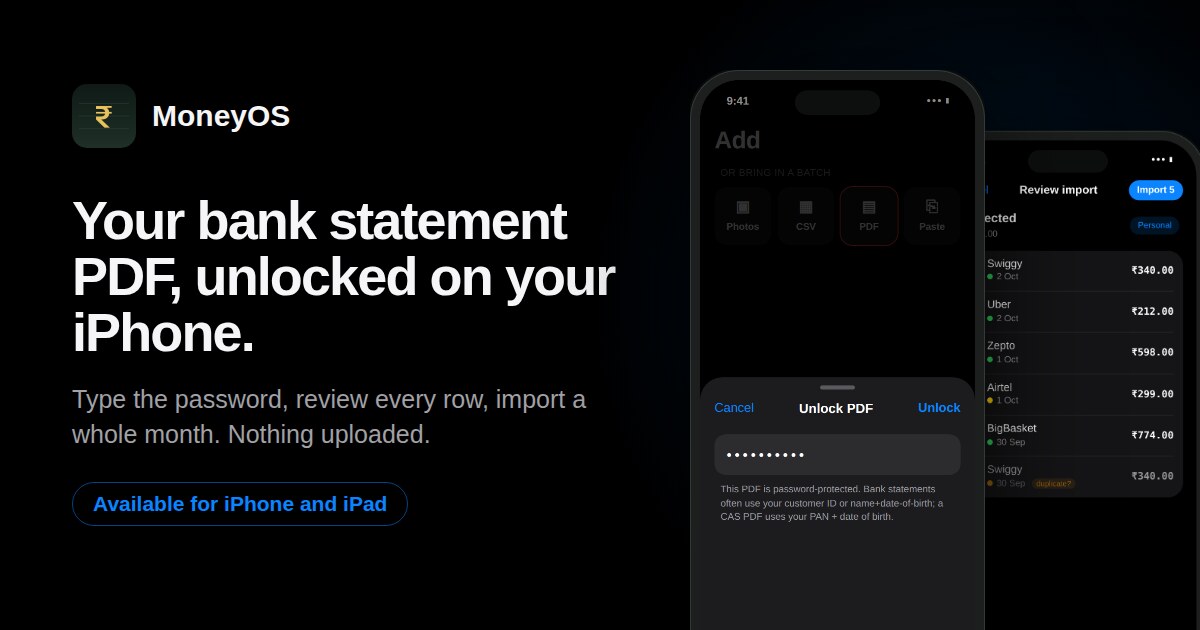
Guide · 10 October 2026
How to import a password-protected bank statement PDF
Unlock your statement PDF on your iPhone, review every row, and bring a whole month into your expense tracker in one go.
Read the guide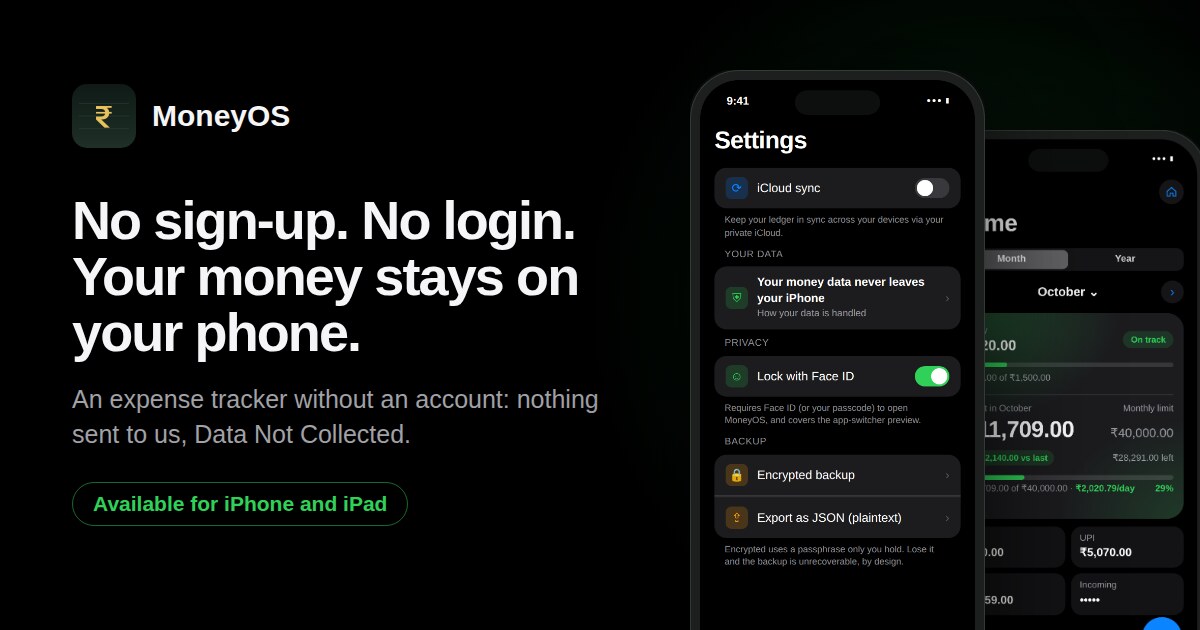
Guide · 9 October 2026
Expense tracker without login: why no-account apps are safer
What a no-account expense tracker protects, five things to check before you trust a money app, and the one trade-off to plan for.
Read the guide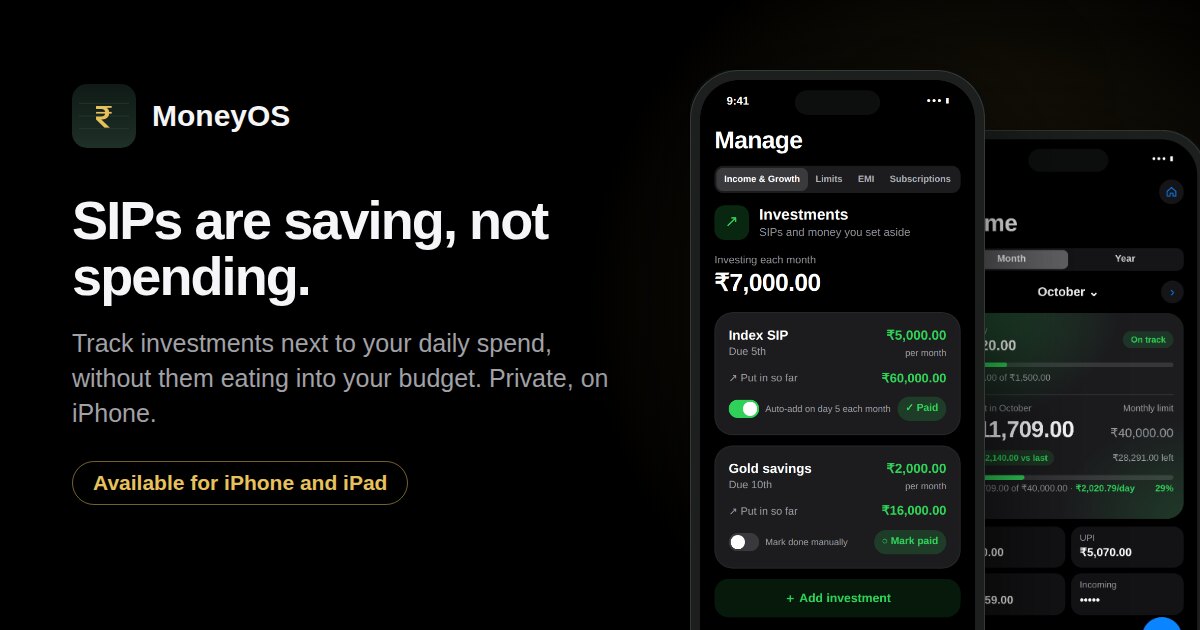
Guide · 8 October 2026
SIPs are not spending: tracking investments separately from expenses
Track SIPs next to your daily spending without them counting against your budget, and see your real savings rate.
Read the guide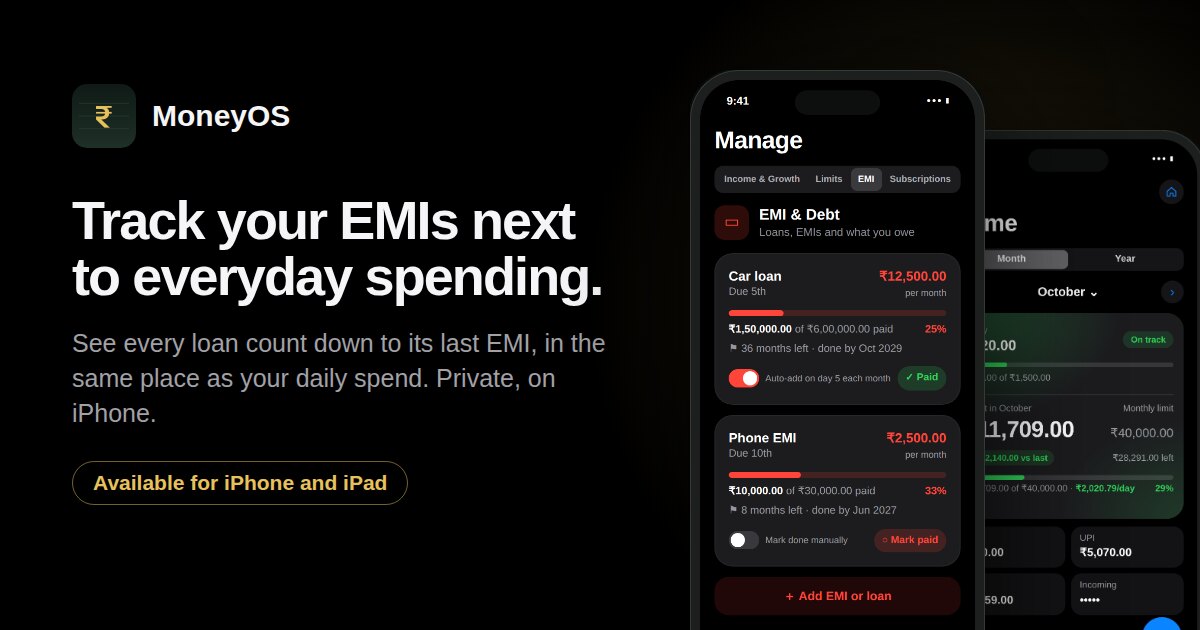
Guide · 7 October 2026
How to track EMIs alongside your daily expenses
List every loan, record each EMI as it goes out, and see each one count down to its last payment, right next to your everyday spending.
Read the guide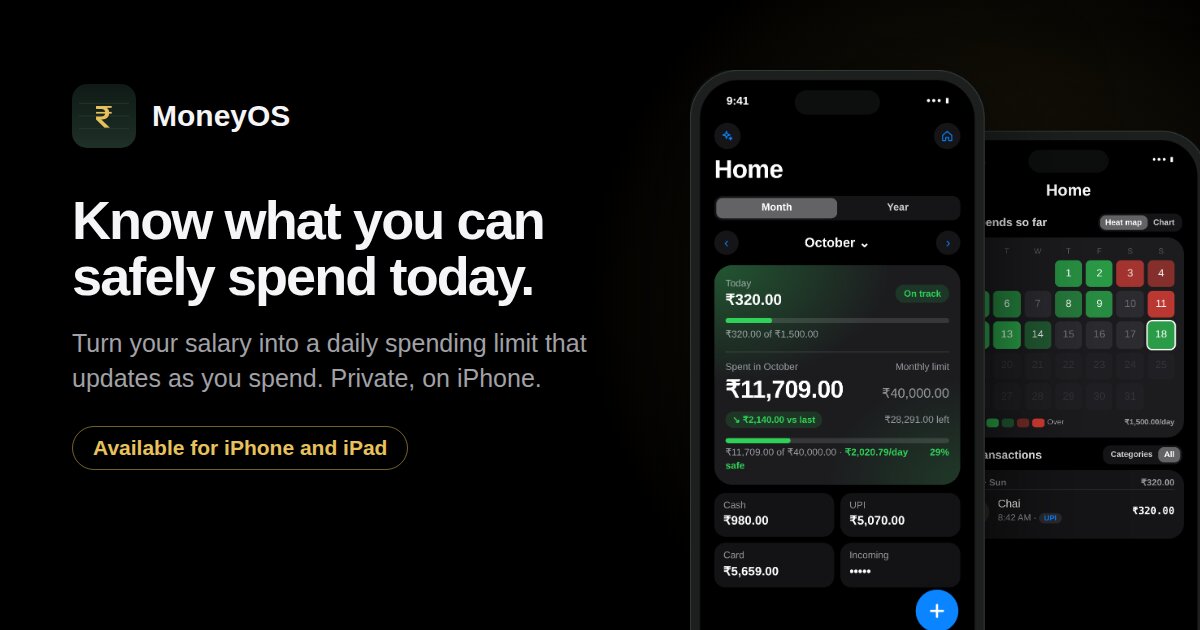
Guide · 6 October 2026
How to work out a safe daily spending limit from your salary
Four steps from take-home pay to one daily number, with a worked example and the formula that keeps it accurate as the month goes on.
Read the guide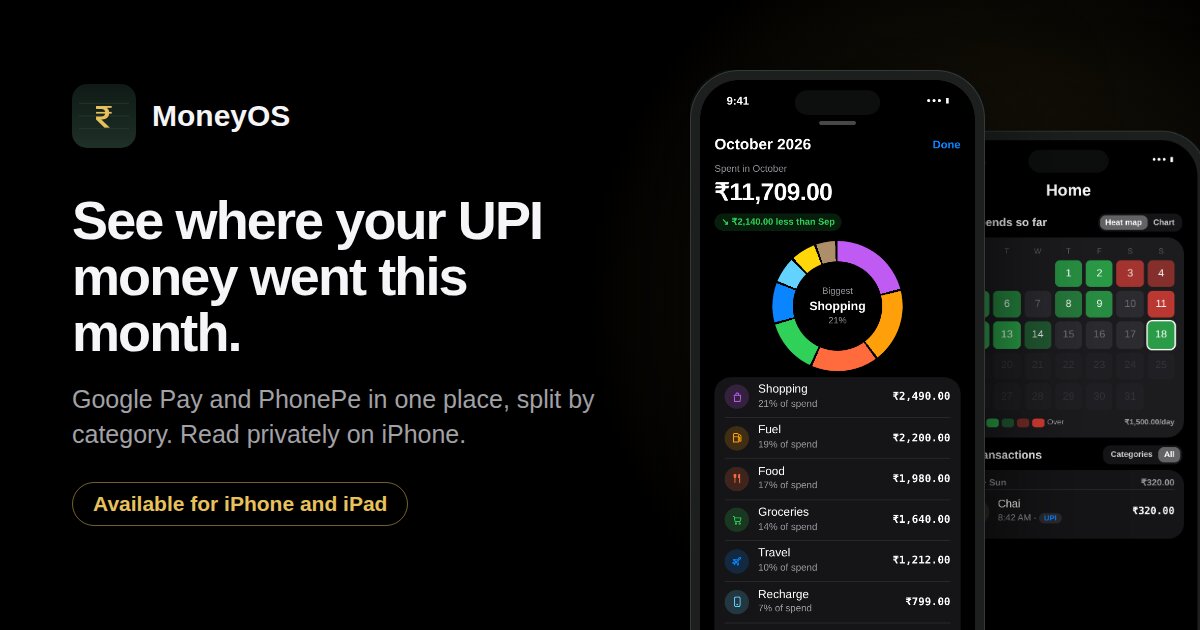
Guide · 5 October 2026
How to see where your Google Pay and PhonePe money went this month
Put every UPI payment in one place, split by category and compared with last month. A ten minute method that runs privately on your iPhone.
Read the guide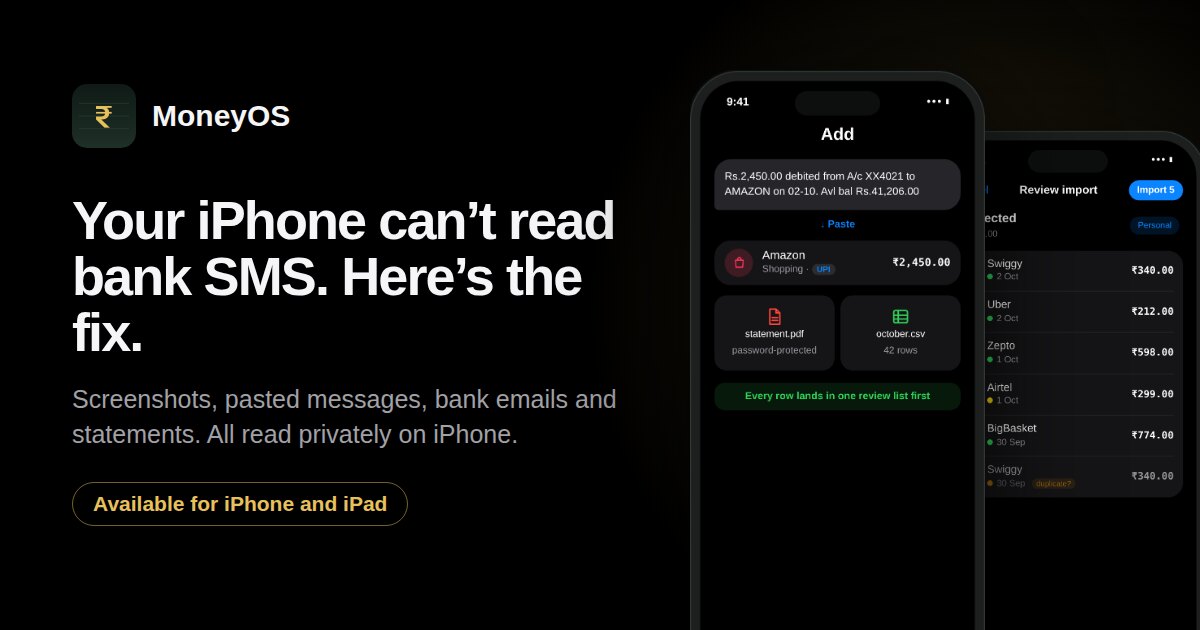
Guide · 4 October 2026
Why iPhone apps can’t read your bank SMS, and the fastest workaround
iOS does not let any app read your text messages. Here are four faster, more private ways to get every bank and UPI payment into your expense tracker on iPhone.
Read the guide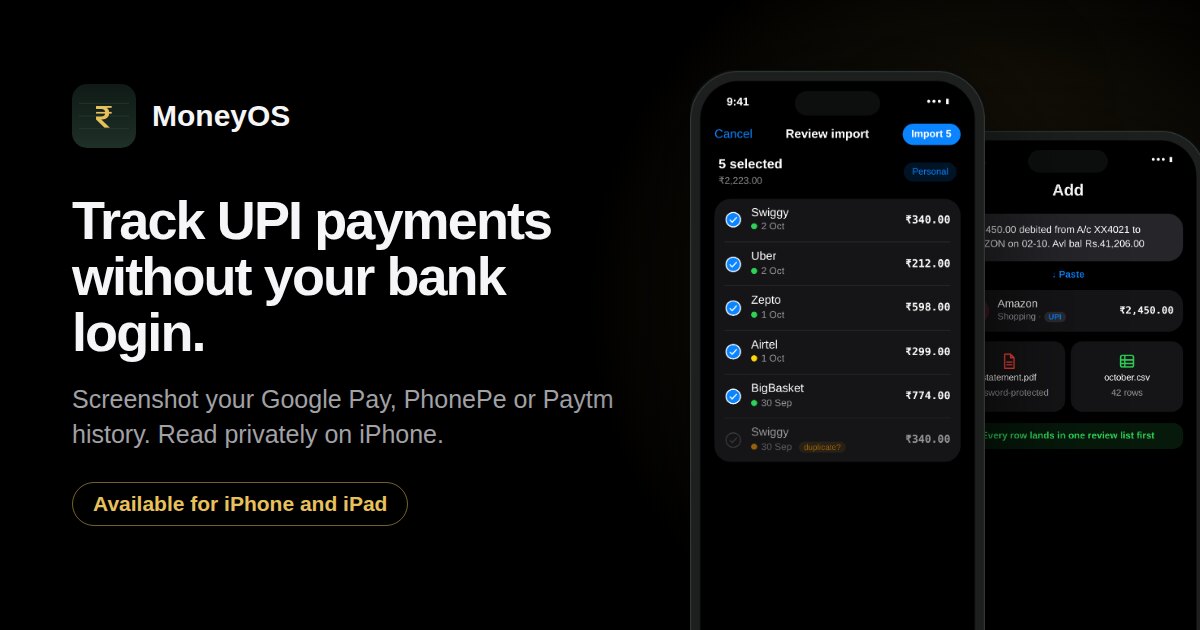
Guide · 3 October 2026
How to track UPI payments without giving an app your bank login
Screenshot your Google Pay, PhonePe or Paytm history and import every payment in a minute. Read privately on your iPhone, with no bank login and nothing uploaded.
Read the guide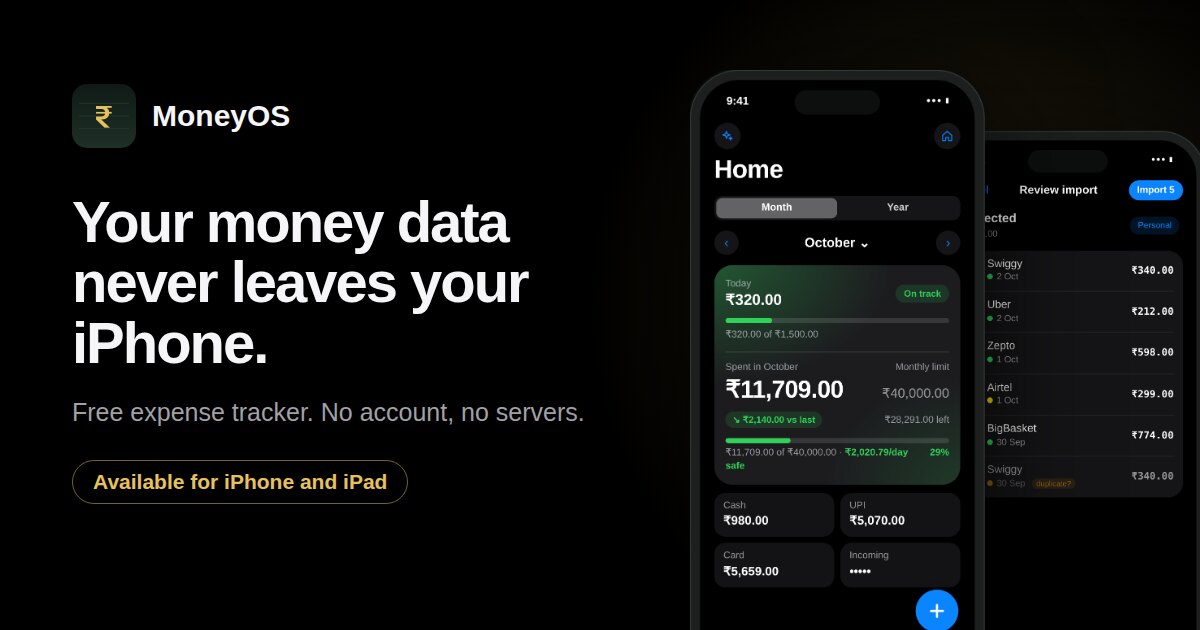
Launch · 3 October 2026
Meet MoneyOS: a private expense tracker for iPhone that never uploads your data
Say it, type it, screenshot your UPI history or import a statement. No account, no servers, and nothing is ever sent to us. Here is how it works and why we built it this way.
Read the post