 MoneyOS
Blog
Launch notes and guides for keeping your money private.
Guide · 6 October 2026
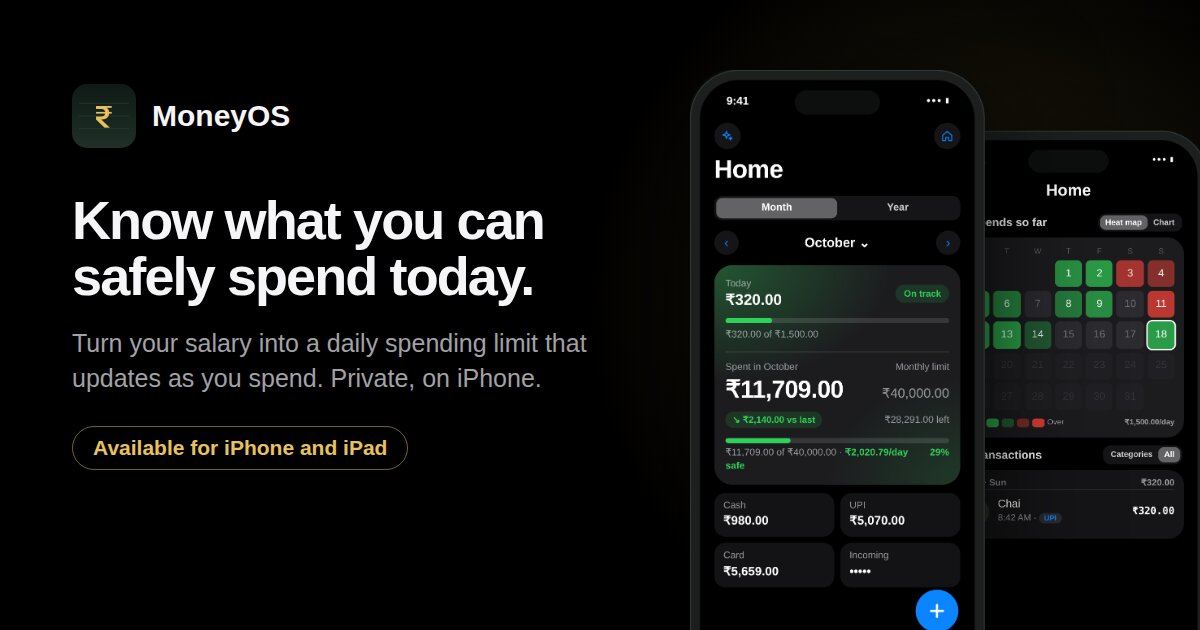
How to work out a safe daily spending limit from your salary
Four steps from take-home pay to one daily number, with a worked example and the formula that keeps it accurate as the month goes on.
Read the guide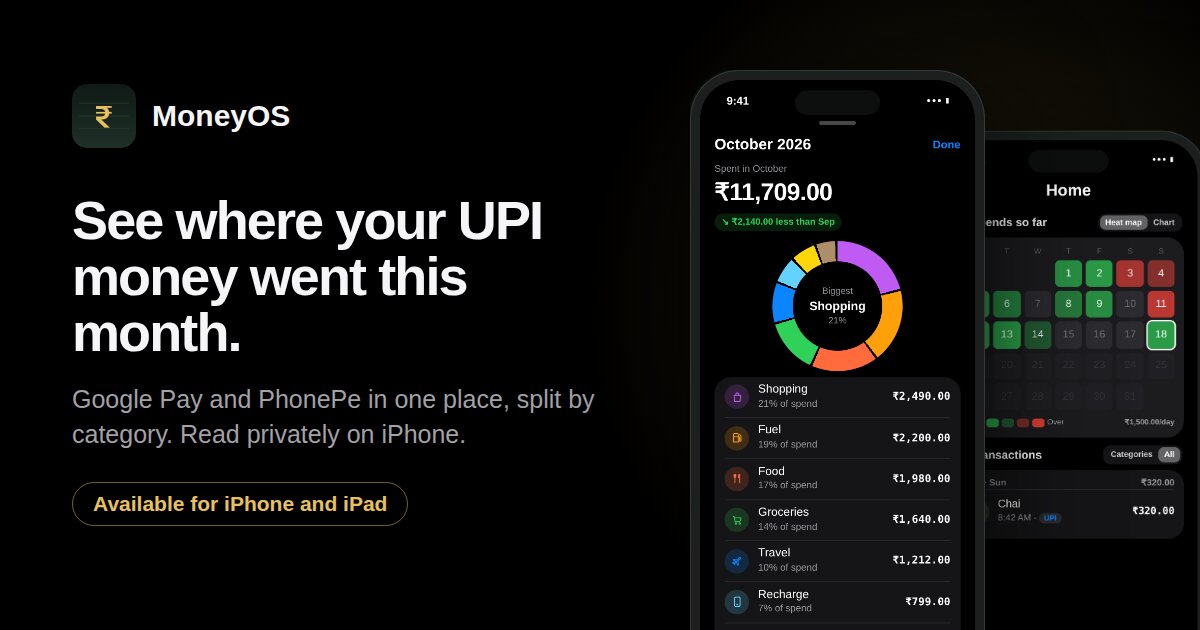
Guide · 5 October 2026
How to see where your Google Pay and PhonePe money went this month
Put every UPI payment in one place, split by category and compared with last month. A ten minute method that runs privately on your iPhone.
Read the guide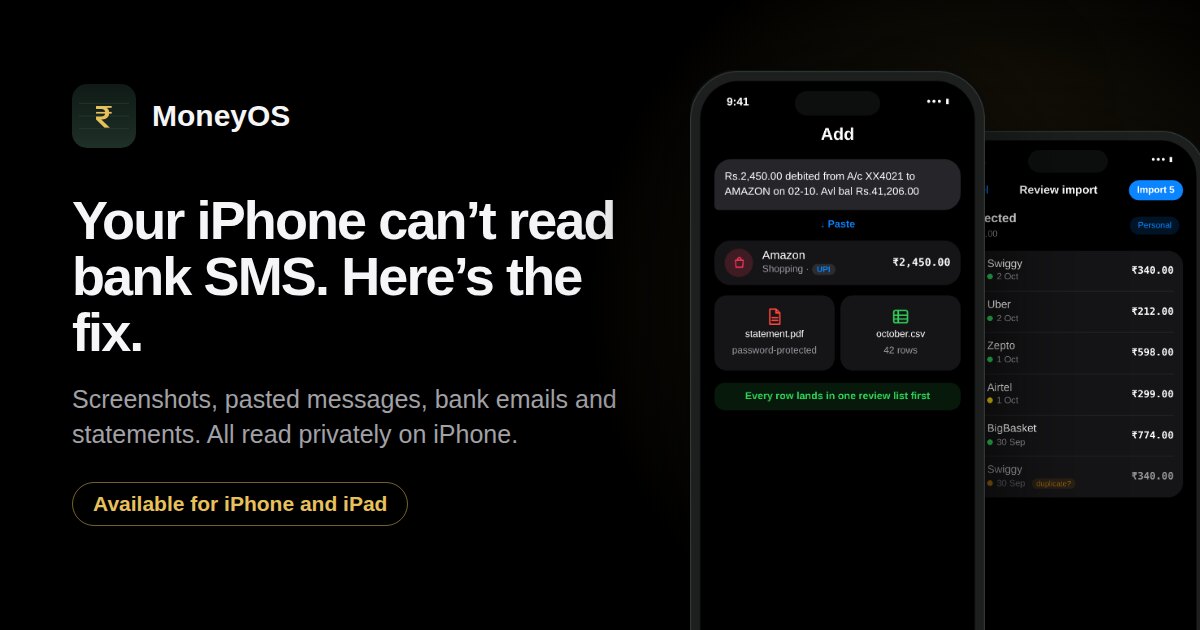
Guide · 4 October 2026
Why iPhone apps can’t read your bank SMS, and the fastest workaround
iOS does not let any app read your text messages. Here are four faster, more private ways to get every bank and UPI payment into your expense tracker on iPhone.
Read the guide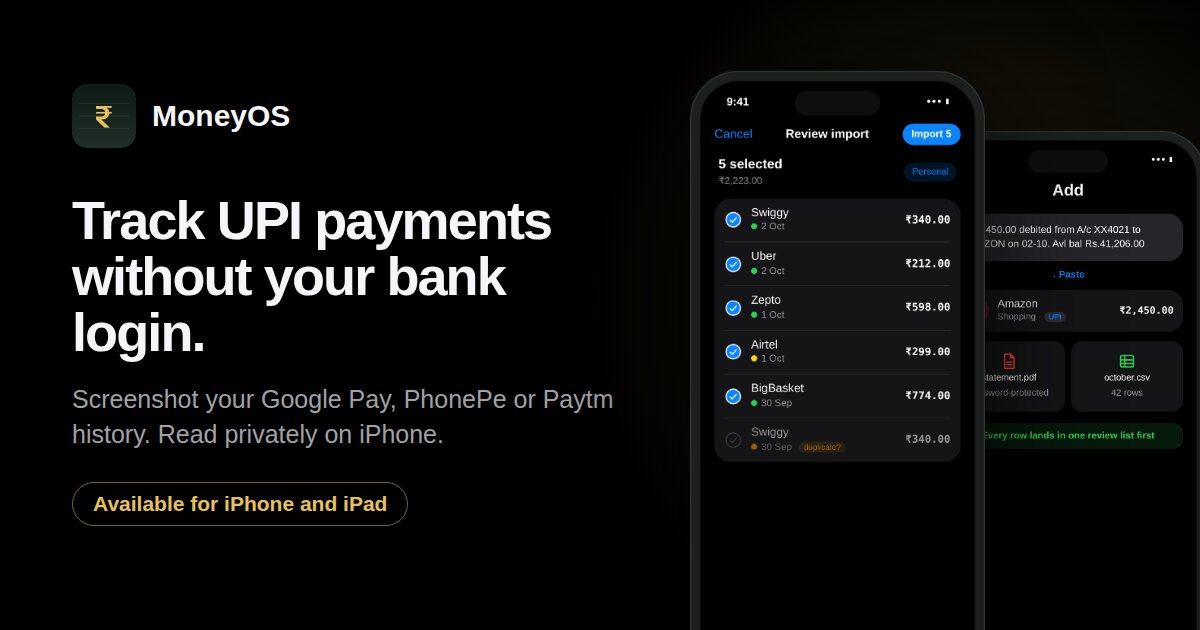
Guide · 3 October 2026
How to track UPI payments without giving an app your bank login
Screenshot your Google Pay, PhonePe or Paytm history and import every payment in a minute. Read privately on your iPhone, with no bank login and nothing uploaded.
Read the guide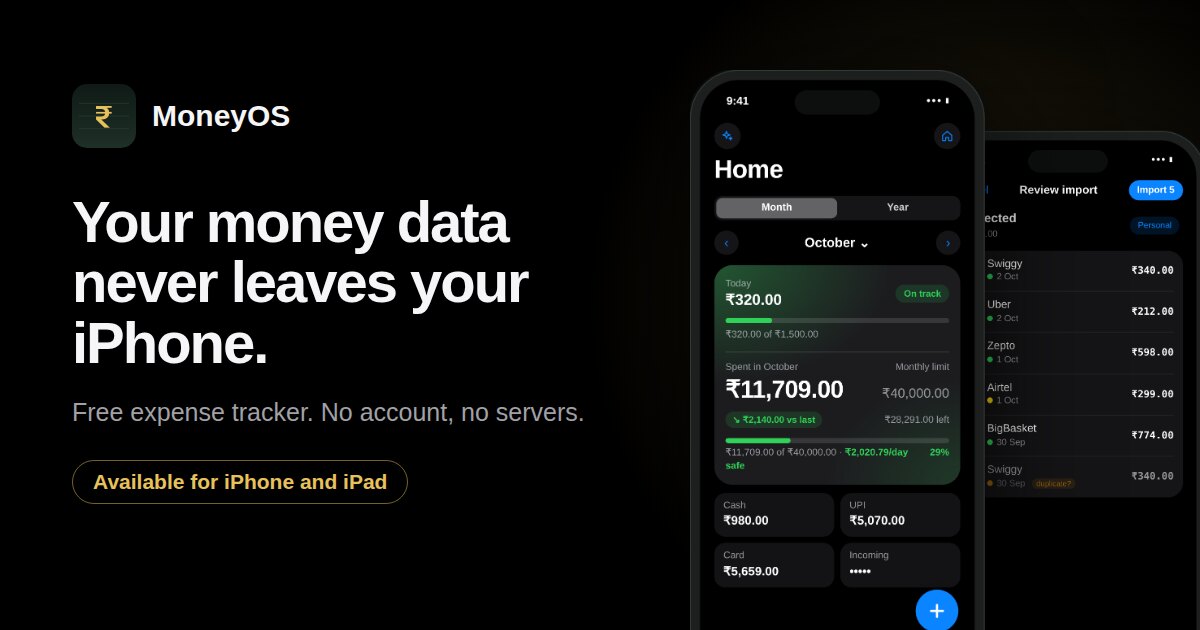
Launch · 3 October 2026
Meet MoneyOS: a private expense tracker for iPhone that never uploads your data
Say it, type it, screenshot your UPI history or import a statement. No account, no servers, and nothing is ever sent to us. Here is how it works and why we built it this way.
Read the post